
Excel Kraken. The Spreadsheet Monster.
“One more spreadsheet should fix it…”
Excel Kraken is one of the most chaotic villains in the Recruit Mint Universe. He wraps every department in endless spreadsheets, duplicate files, broken formulas and confusing manual updates until nobody knows which version is correct.
He grows stronger wherever businesses rely on disconnected spreadsheets, manual data entry, outdated plans, copied files, hidden tabs, deleted formulas and information that lives in different places across HR, finance, production and recruitment.
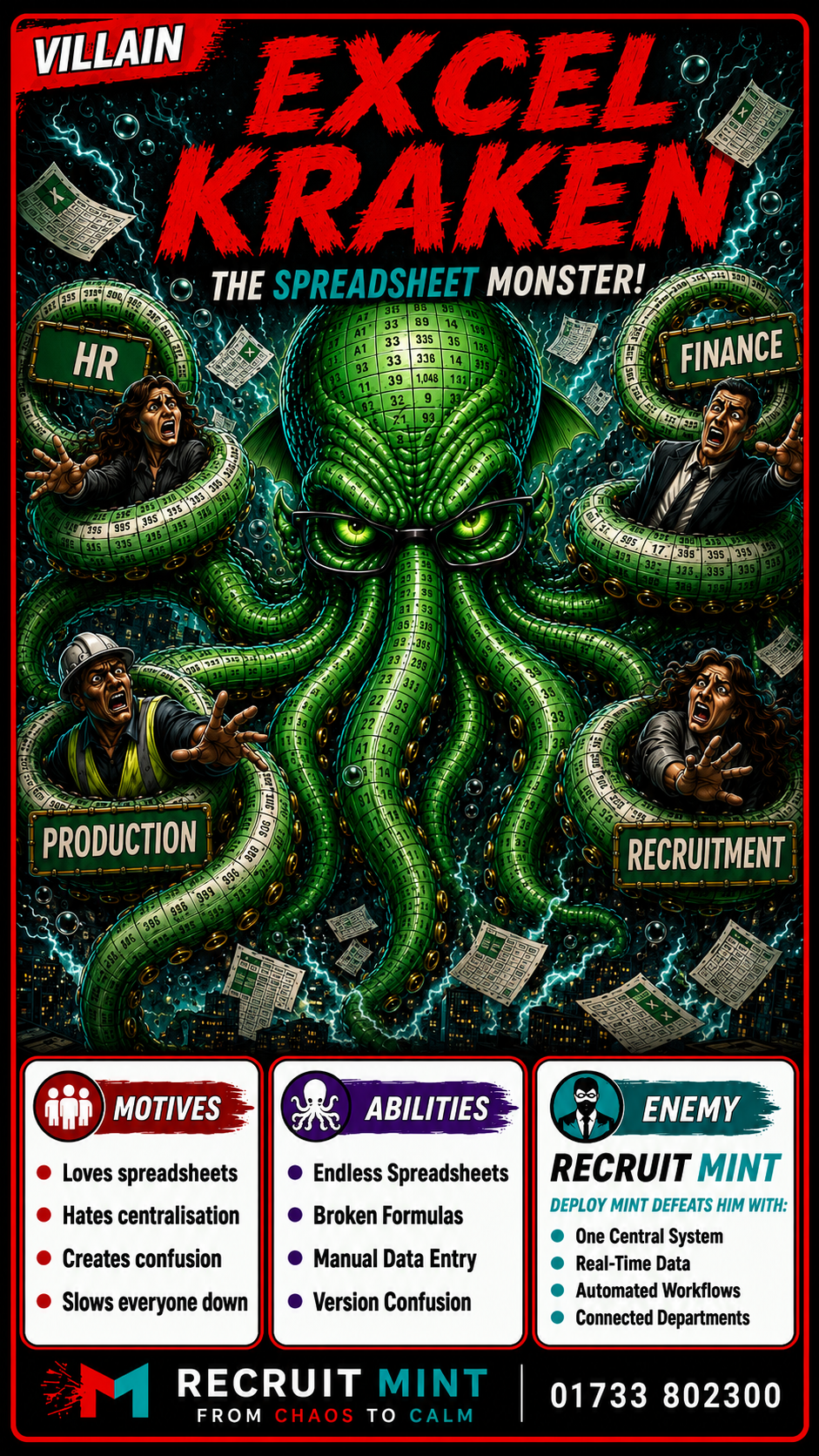
Watch Excel Kraken wrap the workforce in chaos. Then see how Recruit Mint breaks the grip.
Excel Kraken turns simple workforce planning into duplicated files, broken formulas, manual chasing and version confusion — until Recruit Mint and Deploy Mint restore control.
He hides in hidden tabs. Then spreads across the operation.
Excel Kraken represents the operational damage caused when workforce information is scattered across disconnected spreadsheets. He does not need one huge failure to create chaos. He grows through small manual updates, duplicated files, broken formulas and conflicting versions.
Where he hides
Inside copied files, hidden tabs, outdated trackers, manual planning sheets, payroll exports, attendance logs and old versions saved in different places.
How he grows
He becomes stronger when teams rely on manual updates, emailed spreadsheets, duplicated data entry and files that only one person understands.
Why he matters
The damage is operational. Decisions slow down, payroll errors increase, updates are missed and nobody can see the full workforce picture.
Excel Kraken does not just create admin. He creates confusion.
These are the signs that Excel Kraken may already be dragging your workforce process into spreadsheet chaos.
Endless Spreadsheets
Every issue creates another tracker, another tab, another copy and another file for someone to manually maintain.
Broken Formula Grip
One deleted formula, incorrect cell or copied range can quietly damage reports, payroll and workforce planning.
Manual Data Drag
Teams waste time copying, updating, checking, rechecking and chasing information that should already be visible.
Version Confusion
Nobody knows which file is correct, which update is latest or whether the information being used is reliable.
Excel Kraken may already have control if...
The first spreadsheet feels harmless. Then the monster takes over.
Excel Kraken turns manual workforce management into a slow, confusing and risky process by spreading disconnected information across the business.
A tracker is created
A team creates a spreadsheet to solve a specific problem: attendance, bookings, training, costs, payroll or compliance.
More files appear
Other departments create their own versions, with different columns, different data and different update times.
Confidence disappears
Nobody knows which file is right, whether updates have been made or whether the data can be trusted.
The picture breaks
Workforce planning slows down, errors increase, managers chase updates and the full workforce picture becomes unclear.
Deploy Mint replaces spreadsheet chaos. With one clearer workforce picture.
Excel Kraken thrives when workforce information is scattered. Recruit Mint, powered by Deploy Mint, helps employers move away from disconnected spreadsheets and towards clearer live workforce visibility.
Instead of manually chasing updates across files, teams can see bookings, attendance, compliance, training, worker status and recovery information in one more controlled process.
Bring key workforce information into a clearer process instead of scattered spreadsheets.
See bookings, attendance and shift exposure without waiting for manual updates.
Make training status and site readiness easier to see without hidden tabs or separate trackers.
Reduce manual attendance tracking and support clearer payroll and shift records.
Let’s find where spreadsheet chaos is slowing you down.
Speak to Recruit Mint about your current workforce process, manual trackers, attendance records, training visibility and where Deploy Mint could help bring things back under control.